
Basic Logo Elements
Our primary logotype consists of the main Tenth Presbyterian Church typography and mark. The secondary logotype is simplified to just “Tenth” and the mark.
The secondary (Tenth-only) lockup should only be used where the medium makes printing or reading “Presbyterian Church” impractical — for example, when the logo must run so small that the subline would be too small to print or read clearly. It is not a general-purpose alternate; when the primary lockup fits and reads clearly, use it.
Primary, centered

Primary, left-aligned

Secondary, centered

Secondary, left-aligned

Icon
Our quatrefoil icon is provided as a single element for use on its own — profile photos, favicons, app icons, social avatars, watermarks, and anywhere the full lockup won’t fit.



The icon alone (no wordmark) is the right choice for small, square digital placements where the full logo would be illegible, and especially where there is a title immediately adjacent — a browser favicon, an app icon, a social profile photo, or a small watermark in the corner of a video. Use the full-color version whenever the background allows enough contrast; use the black or white version on busy or off-brand backgrounds.
The Icon as Decoration
The icon is the only version of the identity that may be used decoratively — for example, enlarged, cropped, or faded as a subtle background texture behind text. However, it must always remain in proper proportion. The full logo (icon + wordmark) should never be used this way; it should always appear intact, at a legible size, functioning as a logo rather than as decoration.
Color Formats
A color logo should be used for all stationery (letterhead, envelopes, business cards, notecards), brochures, postcards, flyers, posters, signage, programs, and any other printed or digital item whenever possible.
Depending on the application, the color logo may appear in CMYK, RGB, or PMS. Values are listed below under Tenth Colors.
Only one color combination is approved for the logo in color: the green icon, with “Tenth” in black and “Presbyterian Church” in green — shown above. No other color combination (an all-green logo, a green wordmark, etc.) is an approved version of the identity.
Black, White & Knockouts
The logo itself — the colors used to render the mark — must always be one of three signature options: all black, all white, or the standard green icon + black “Tenth” + green “Presbyterian Church” combination. No other rendering of the logo (all-green, all-blue, etc.) is approved.
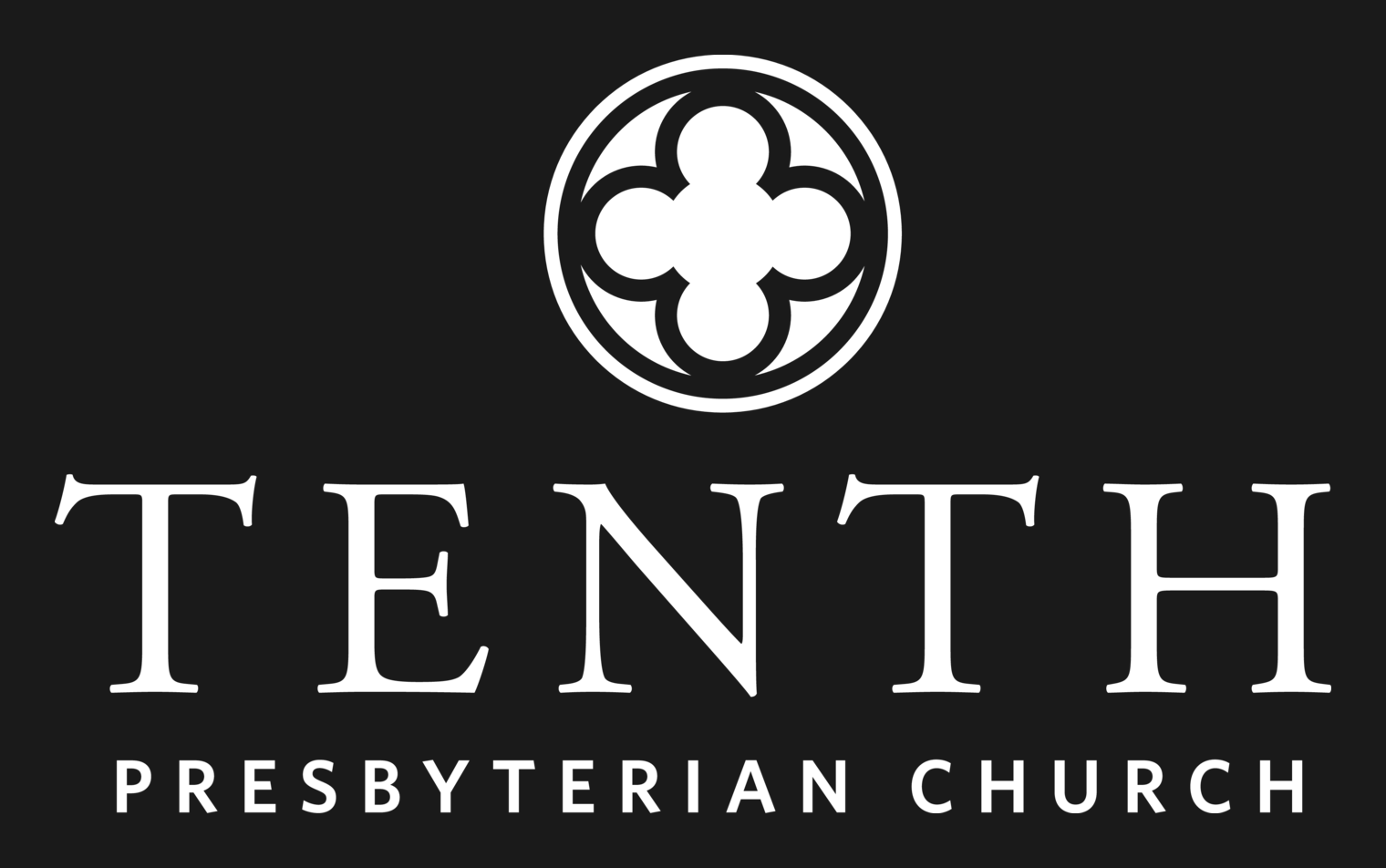
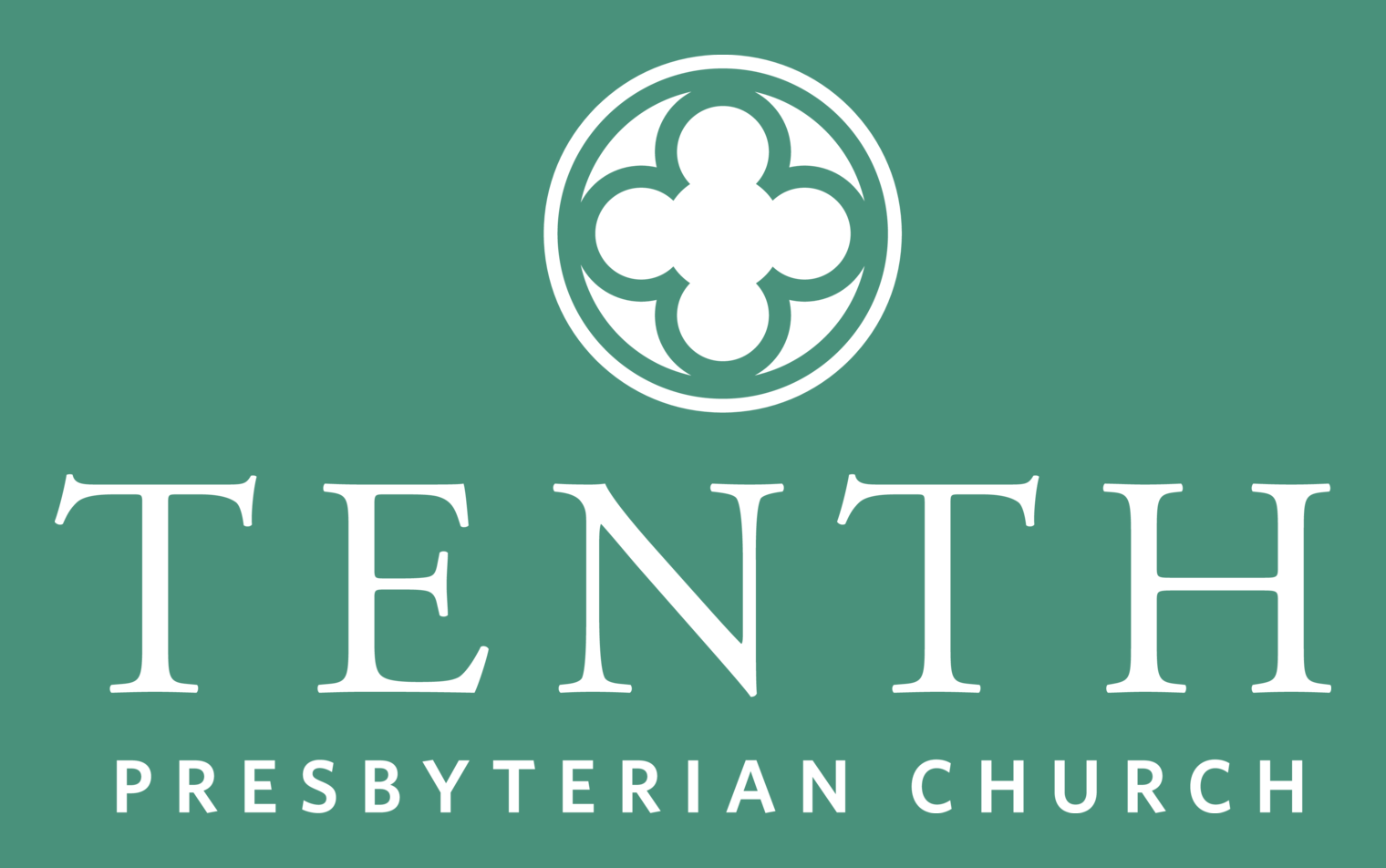
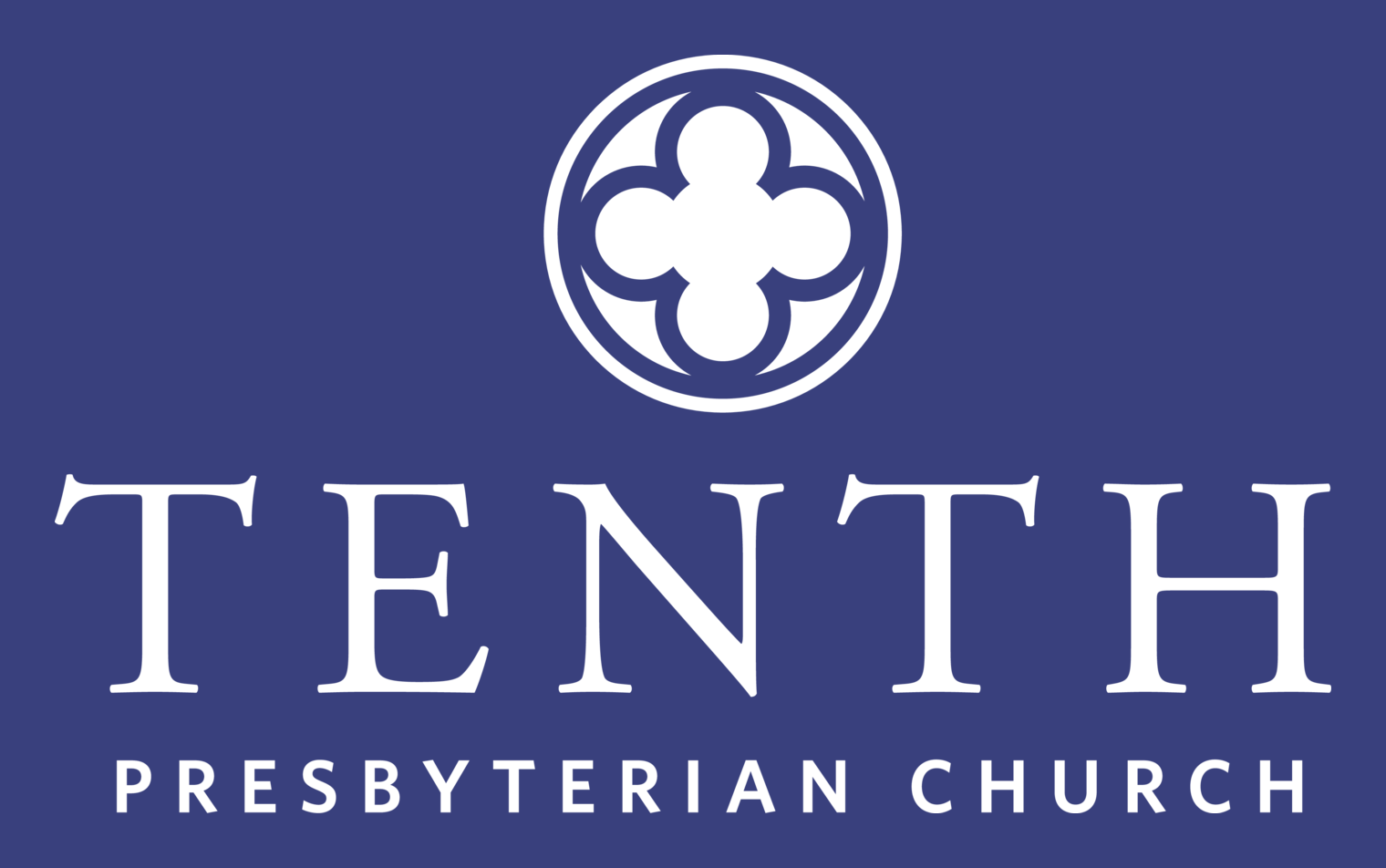
Separately, the background the logo is knocked out of is flexible: the white version of the logo can be knocked out of any background color and can have reduced opacity (letting the background color blend through), as long as there’s enough contrast for the logo to stay clearly readable. It may also be used over or knocked out of a photograph or graphic background under the same condition (see “Logo over photos” on the Brochure & Print Guidelines page).
White knockout, on black
White knockout, on green
White knockout, on blue
Suggested limitations
Minimum size
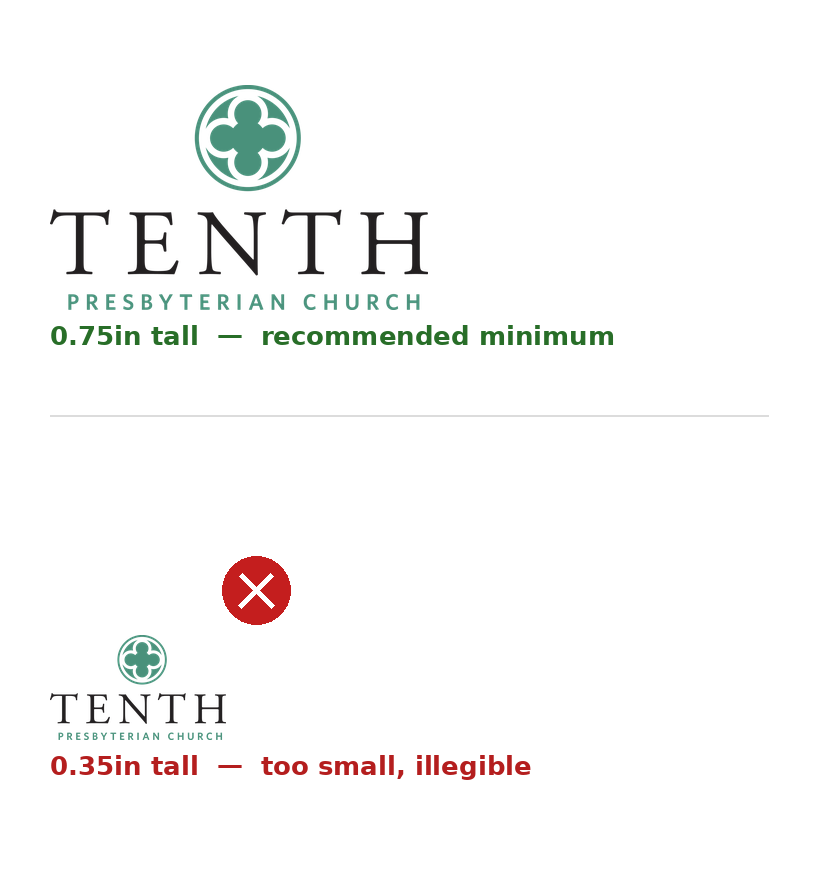
Primary logo: 0.75 inches tall minimum in print (or roughly 72–80px tall on screen). Legibility of the mark and subline degrades rapidly below this size — if your placement is smaller than this, use the icon alone or the secondary (Tenth-only) lockup instead.
Clear Space
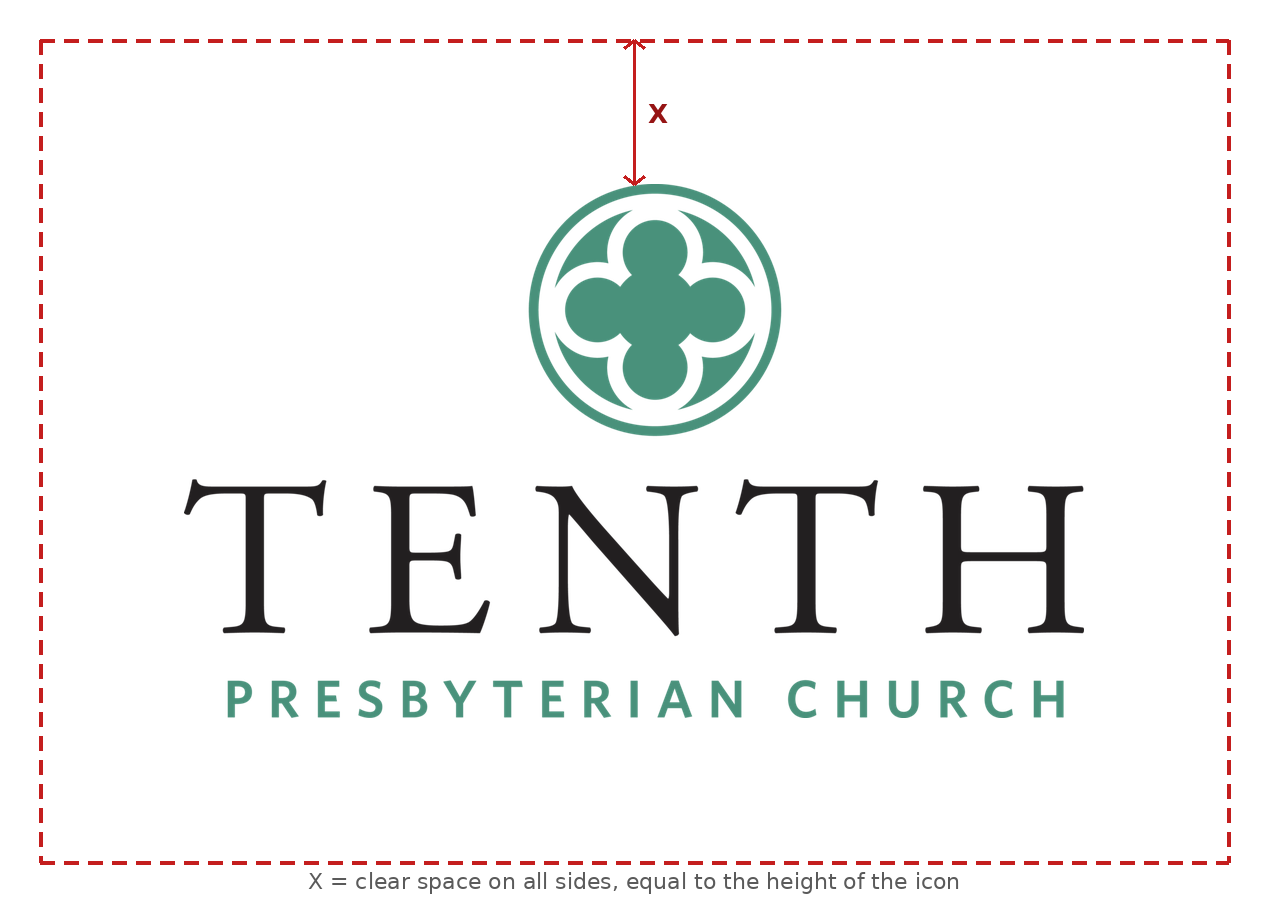
Keep clear space equal to X — the height of the icon — on all sides of the logo, free of text, photos, edges, or other elements. This scales naturally with the logo, so it holds true at any size. (As an absolute minimum in print, this generally works out to about 0.5 inches around a logo sized near its minimum height.)
Misuse of the logo
In addition to providing ample space around the logo, please follow these usage guidelines:
- Do not move or reposition any of the logo elements.
- Do not stretch or distort the logo in any way.
- Do not rotate the logo.
- Do not add other elements to the logo.
- Do not change the colors in the logo.
- Do not use a different font in the logo.
- Do not apply the logo to a background with insufficient contrast.
- Do not place the logo over a photo or background that keeps it from reading clearly.
- Do not use the full logo (icon + wordmark) decoratively, enlarged, or faded as a background texture — only the icon alone may be used this way.
Examples
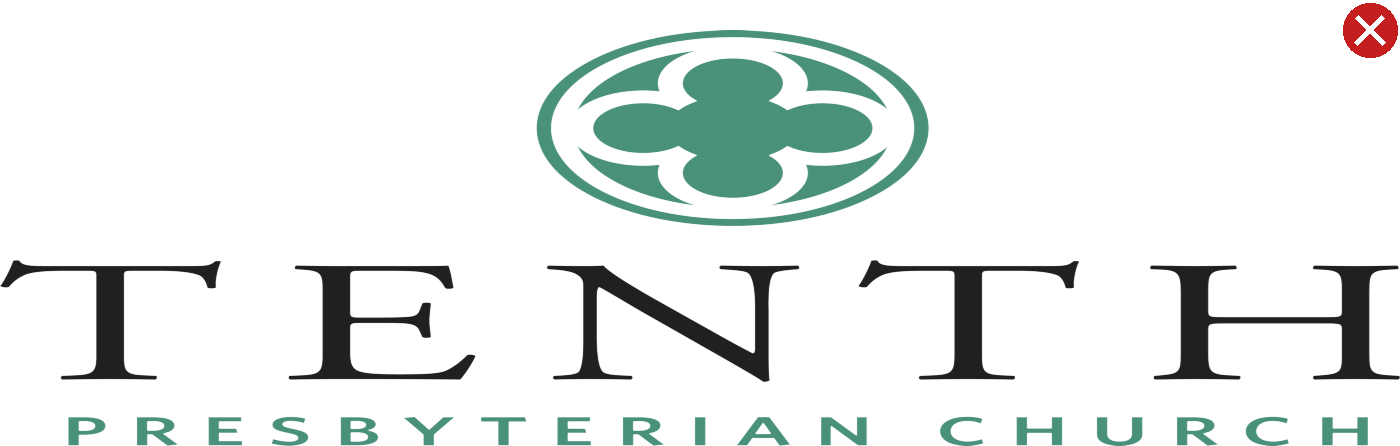
Stretched / distorted
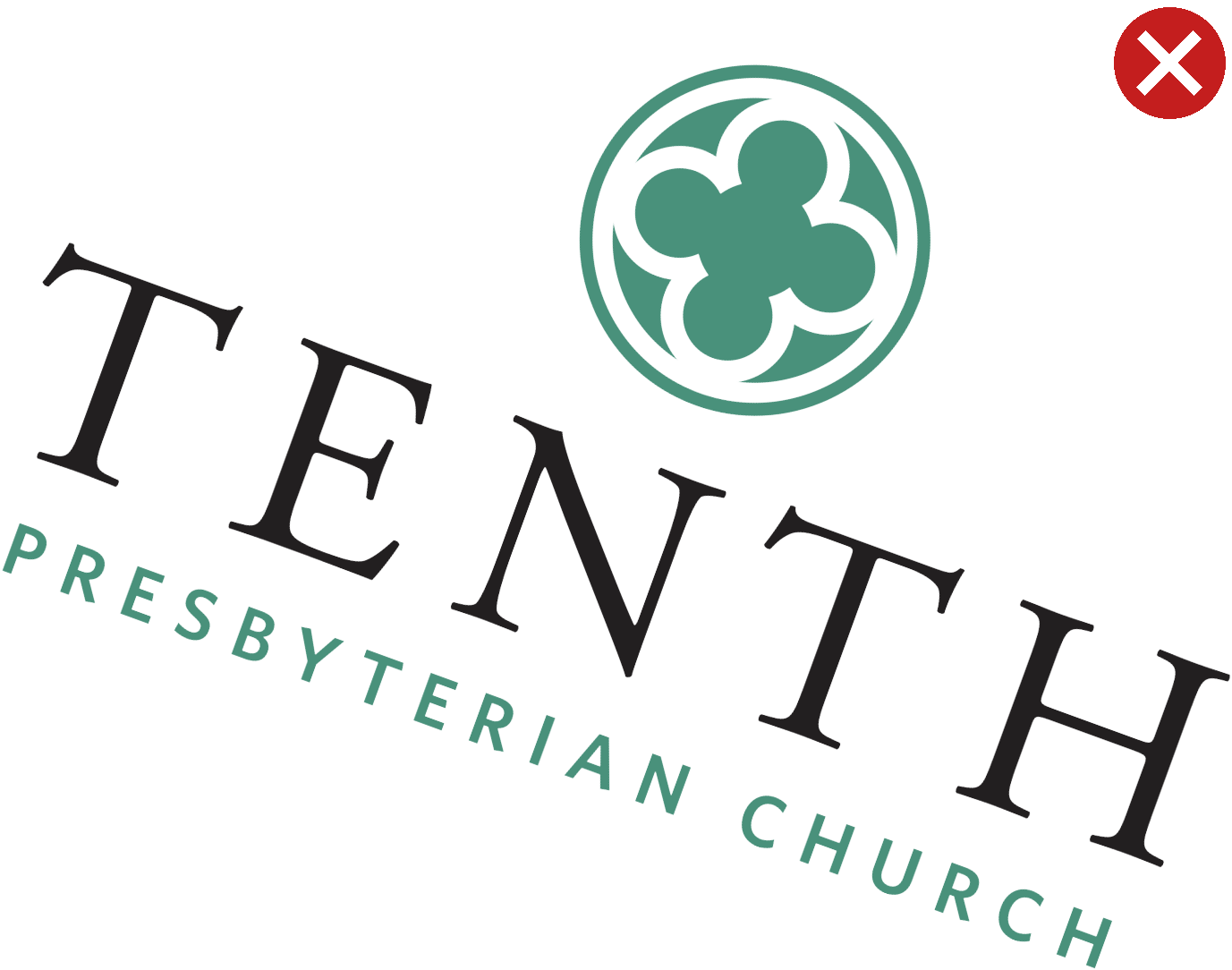
Rotated
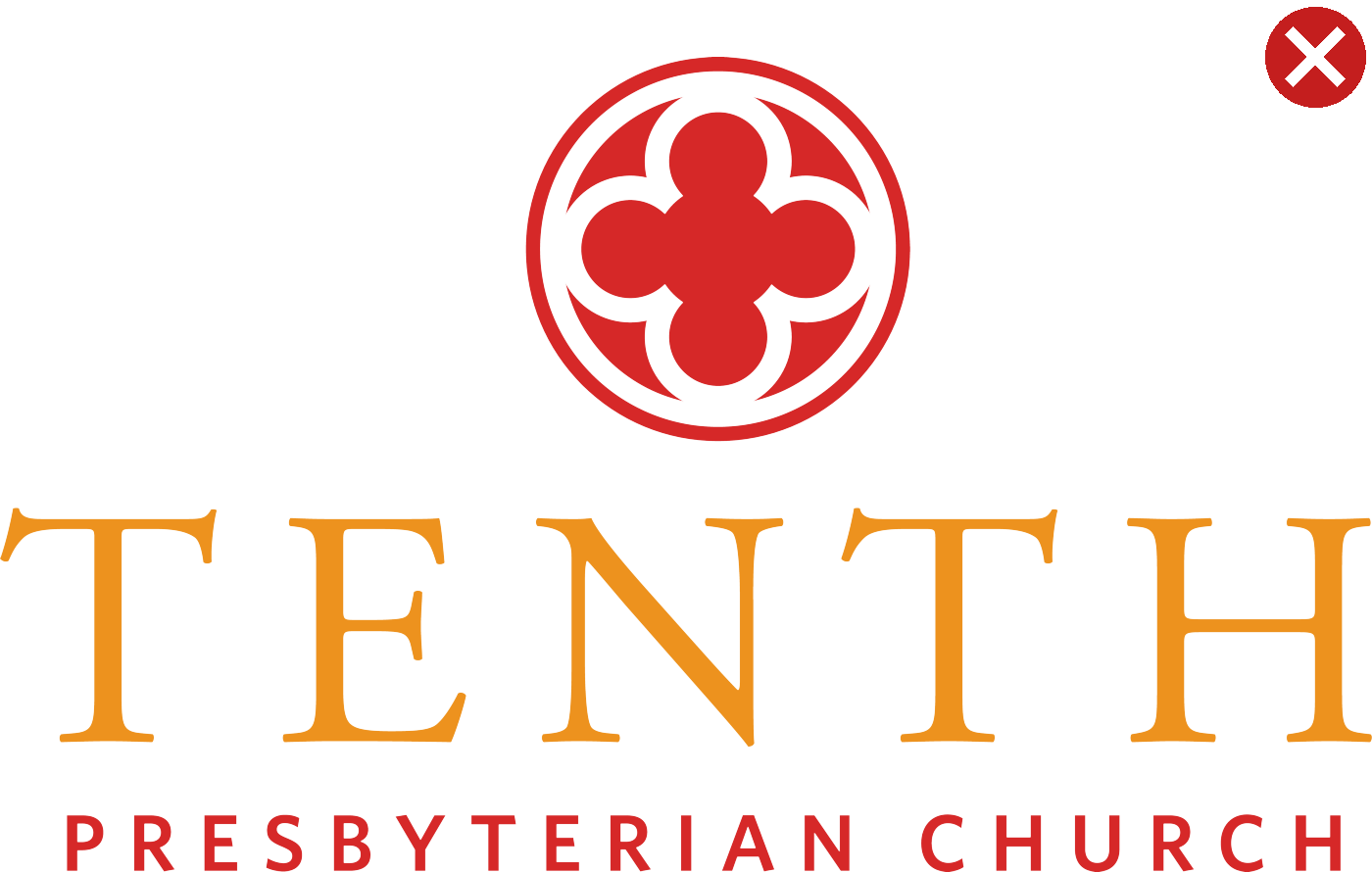
Unapproved colors
Insufficient contrast
Added effects
Tenth colors
Tenth Presbyterian Church should appear using black, white, or the green specified below.
Green
- PMS 625
- CMYK 56 / 0 / 44 / 33
- RGB 73 / 145 / 123
- Web / Hex #49917b
Black
- PMS Black
- CMYK 0 / 10 / 0 / 100
- RGB 35 / 31 / 32
- Web / Hex #000000
Modern design note: our green (#49917b) on white passes accessibility contrast guidelines for large text, but not for small body text or button labels. Pair the green with black or white for small text, and reserve the pure green for large headlines, icons, and accents.
Secondary colors
These accent colors support the primary green, black, and white identity — use them for charts, callouts, tags, and other supporting accents where a bit more variety is helpful. They should never replace the primary green, black, or white in the logo itself.
Gold
- RGB 230 / 192 / 0
- Web / Hex #e6c000
Blue
- RGB 57 / 64 / 125
- Web / Hex #39407d
Red
- RGB 155 / 37 / 37
- Web / Hex #9b2525
Purple
- RGB 117 / 47 / 140
- Web / Hex #752f8c